FREE PDF ⇄ IMAGE CONVERTER
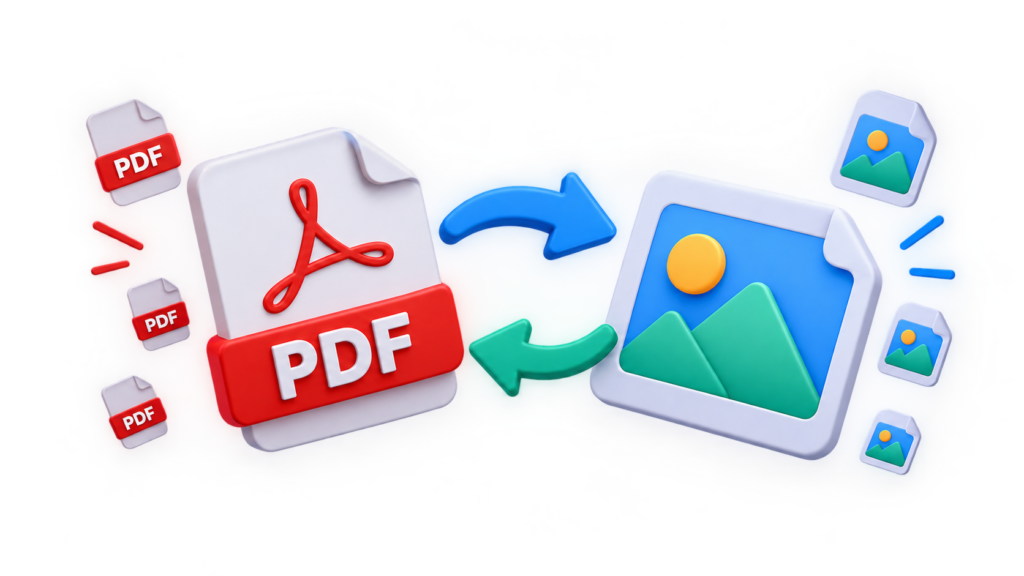
hirespdf runs entirely inside your browser. PDF to JPG, JPG to PDF, HEIC to PDF and more — at full resolution, with nothing ever sent to a server.
HOW IT WORKS
Drop in a PDF, or a batch of photos. The tool loads once, then works even on a slow connection.
Pick the output format and resolution, or reorder pages before combining images into a PDF.
Your converted file is generated on your device and downloaded straight away — nothing to wait on.
WHY HIRESPDF
Most online converters upload your document to a server first. hirespdf
does the conversion in the browser itself, using pdf.js and pdf-lib.
iPhone photos convert straight to PDF or JPG without exporting them to another format first.
Pages export at their original DPI, not a compressed preview — sharp enough to print or zoom into.
Combine a folder of photos into one PDF, or split a PDF into individual page images, in one pass.
iPhone photos convert straight to PDF or JPG without exporting them to another format first.
Works in any modern browser tab. Free to use, with no watermark added to your files.
Once the page has loaded, conversions run offline — useful on a slow or unreliable connection.
USE CASES
Photograph or scan each page, then combine the images into a single PDF for a job application or form.
Export each page of a PDF as a JPG or PNG to drop into a presentation or a blog post.
HEIC photos convert to PDF or JPG so a print shop or an older device can open them without issue.
Combine several receipt photos into a single PDF, in the order your expense tool expects.
FAQ
Yes. Converting PDFs and images on hirespdf is free, with no account, no watermark and
no daily limit on how many files you convert.
No. hirespdf converts everything inside your own browser. Your files
are never uploaded, stored, or seen by anyone else.
hirespdf converts between PDF, JPG, PNG, WEBP and HEIC, including HEIC photos
exported from an iPhone.
Yes. Select several images at once and hirespdf combines them into one PDF in the
order you choose, with drag-to-reorder before export.
No. hirespdf renders each page at its original resolution, so exported images stay sharp
enough to print or zoom into.
Yes. The tool runs in any modern mobile browser, so files can be converted on a phone
or tablet without installing a separate app.